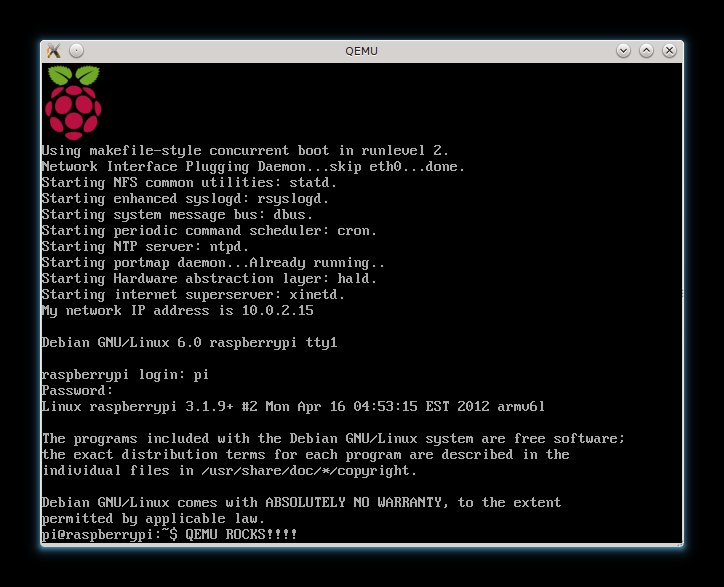
Features include:
- A minimal Debian Wheezy installation (similar to a netinstall) instead of the outdated Squeeze packages
- Disabled incremental updates, means apt-get update is much faster
- Workaround for a kernel bug which hangs the Raspberry Pi under heavy network/disk loads
- A custom 3.1.9+ kernel with latest raspberry pi patches
- Latest version of the firmwares
- Lower GPU ram usage (32MB) by default
- 224MB of ram are available to the system now
- A very tiny 107MB image: even with a 2GB SD there is a lot of free space
- ssh starts by default
- The clock is automatically updated using ntp
- IPv6 support
- Just 7MB of ram usage after the boot
Here is the link to download my custom image: http://files2.linuxsystems.it/wheezy_20120608.img.7z
You will have to extract the image with p7zip:
7za x wheezy_20120608.img.7z
Then flash it to your SD with dd:
dd bs=1M if=wheezy_20120608.img of=/dev/sdX
Finally, if you have an sd larger than 2GB, grow the partition with gparted (first move the swap partition at the end).
The root password is raspberry.
You will have to reconfigure your timezone after the first boot:
dpkg-reconfigure tzdata
The keyboard layout:
dpkg-reconfigure console-data
And the localization:
dpkg-reconfigure locales
It’s done, I hope you will enjoy it.
Edit: I also released a Raspbian Wheezy armhf minimal image with hardfp binaries.